Chromatic — Color Contrast Tool
A modern, accessible color contrast checker that helps designers and developers create WCAG-compliant color combinations.
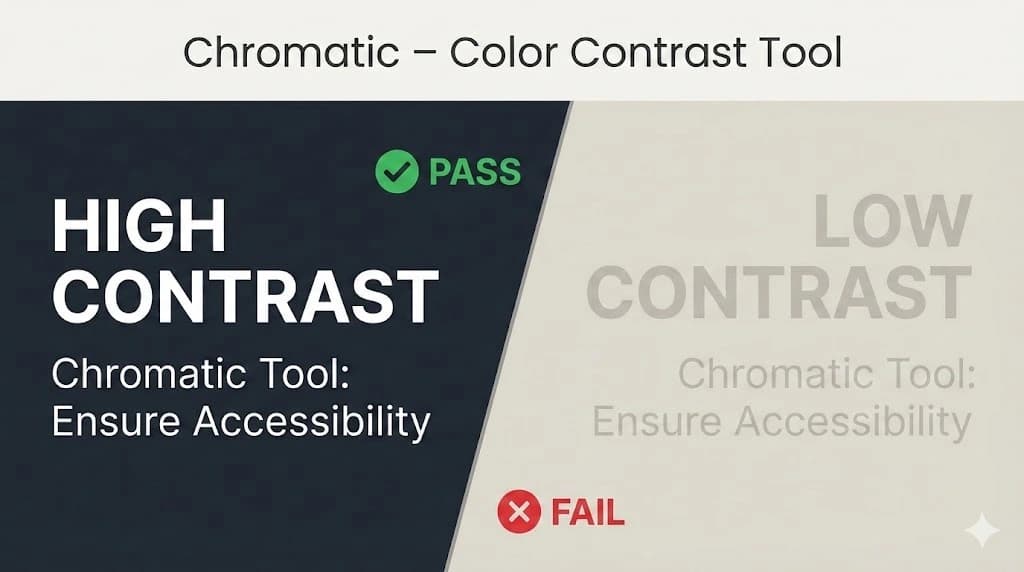
Web Content Accessibility Guidelines (WCAG) 2.1
WCAG 2.1 compliant means a website or digital content meets the Web Content Accessibility Guidelines (WCAG) 2.1, an international standard by the W3C for making content accessible to people with disabilities, focusing on principles like Perceivable, Operable, Understandable, and Robust (POUR), with Level AA being the common target for legal compliance (like under the ADA) for features like alt text, keyboard navigation, and sufficient color contrast.

Table of Contents
- Getting Started
- Features
- How to Use
- Understanding WCAG Contrast Levels
- Supported Color Formats
- Keyboard Shortcuts
- Tips & Best Practices
Getting Started
Simply click on the following link Color checker.
Features
| Feature | Description |
|---|---|
| Multi-format Color Input | Accepts HEX, RGB, HSL, HWB, LAB, OKLCH, and color names |
| Smart Suggestions | Auto-generates accessible text colors for any background |
| Real-time Preview | See your colors applied to sample text instantly |
| WCAG Compliance Badges | Visual indicators for AA and AAA compliance |
| Color Blindness Simulation | Preview colors as seen by colorblind users |
| Export Options | Export to CSS, SCSS, Tailwind, or JSON |
| Shareable URLs | Share color combinations via URL |
| Copy to Clipboard | One-click copying for all color values |
| Keyboard Accessible | Full keyboard navigation support |
How to Use
Setting a Background Color
-
Type a color in the "Background Color" input field
- Use any supported format (see Supported Color Formats)
- Example:
#3b82f6,rgb(59, 130, 246), orblue
-
Or use the color picker — Click the colored square to the left of the input
-
Click "Apply Background" or press
Enter
The preview panel will update with your chosen background, and suggested text colors will be generated automatically.
Choosing Text Colors
Once you've set a background color, the Suggested Text Colors section displays up to 6 accessible color options:
- Colors are sorted by contrast ratio (highest first)
- Each suggestion shows:
- Color swatch
- HEX code
- WCAG level badge (AAA, AA, or FAIL)
- Contrast ratio
Click any suggestion to apply it as the text color. The selected card will show a checkmark.
Using Custom Text Colors
If the suggestions don't match your brand or preference:
- Enter your desired color in the "Custom Text Color" input
- A real-time warning will indicate:
- ✅ Good Contrast — Meets WCAG AA (4.5:1+)
- ⚠️ Limited Contrast — Only meets AA for large text (3:1+)
- ❌ Low Contrast — Does not meet accessibility standards
- Click "Apply Text Color" to use it anyway
Swapping Colors
Need to quickly invert your color scheme?
- Click the "Swap" button next to "Suggested Text Colors"
- The background and text colors will be exchanged
- New suggestions will be generated for the new background
Color Blindness Simulation
Test how your color combination appears to users with color vision deficiencies:
| Filter | Condition | Affects |
|---|---|---|
| Protanopia | Red-blind | ~1% of males |
| Deuteranopia | Green-blind | ~1% of males |
| Tritanopia | Blue-blind | Very rare |
| Achromatopsia | Complete color blindness | Very rare |
Click any filter button to preview. Click "Normal Vision" to return to standard view.
Exporting Colors
Export your color palette in multiple formats:
- Click the "Export" button in the header
- Choose your format:
- CSS — CSS custom properties (variables)
- SCSS — Sass variables
- Tailwind — Tailwind config extension
- JSON — Complete data including WCAG compliance
- Click "Copy" to copy the code to your clipboard
Example CSS Export
:root {
  /* Contrast ratio: 12.63:1 */
  --background-color: #1a1a2e;
  --text-color: #ffffff;

  /* RGB values */
  --background-rgb: 26, 26, 46;
  --text-rgb: 255, 255, 255;
}
Sharing Your Palette
Share your exact color combination with teammates:
- Click the "Share" button in the header
- A URL is copied to your clipboard
- Anyone opening the link will see your exact colors
URL format: https://yoursite.com/?bg=#1a1a2e&text=#ffffff
Understanding WCAG Contrast Levels
The Web Content Accessibility Guidelines (WCAG) define minimum contrast ratios:
| Level | Normal Text | Large Text | Ratio |
|---|---|---|---|
| AA | Required | Required | 4.5:1 / 3:1 |
| AAA | Enhanced | Enhanced | 7:1 / 4.5:1 |
Large text is defined as:
- 18pt (24px) or larger for regular weight
- 14pt (18.66px) or larger for bold weight
Badge Meanings
| Badge | Meaning |
|---|---|
| 🟢 AAA | Excellent contrast — meets the highest standard |
| 🟡 AA | Good contrast — meets minimum requirements |
| 🔴 FAIL | Insufficient contrast — not accessible |
Supported Color Formats
Chromatic accepts a wide variety of color formats:
| Format | Example |
|---|---|
| HEX (with #) | #ff6b6b |
| HEX (without #) | ff6b6b |
| Short HEX | #f66 |
| RGB numbers | 255, 107, 107 |
| RGB function | rgb(255, 107, 107) |
| RGBA | rgba(255, 107, 107, 0.8) |
| HSL | hsl(0, 100%, 71%) |
| HWB | hwb(0 42% 0%) |
| LAB | lab(62% 55 30) |
| OKLCH | oklch(70% 0.15 30) |
| Color names | tomato, cornflowerblue |
Keyboard Shortcuts
| Key | Action |
|---|---|
Tab | Navigate between interactive elements |
Enter | Apply color / Select suggestion |
Space | Select suggestion card |
Escape | Close export modal |
All color suggestions and copyable values are fully keyboard accessible.
Tips & Best Practices
For Designers
- Start with your brand color as the background, then pick from suggestions
- Test with color blindness filters before finalizing
- Aim for AAA when possible — it's better for everyone, not just users with disabilities
- Consider context — UI elements may need higher contrast than decorative text
For Developers
- Use the CSS export with custom properties for easy theming
- Copy the JSON export for programmatic access to all values
- Bookmark combinations using the share URL
- Check both light and dark modes — swap colors to test inverse schemes
Common Mistakes to Avoid
- ❌ Using light gray text on white backgrounds
- ❌ Relying solely on color to convey information
- ❌ Ignoring large text requirements (they're more lenient!)
- ❌ Testing only on high-quality monitors
Browser Support
Chromatic works in all modern browsers:
- Chrome 80+
- Firefox 75+
- Safari 13+
- Edge 80+
Credits
Built with ❤️ by ponITech
Free to use everywhere.
License
MIT License — Use freely in personal and commercial projects.