Music Voice Separator — AI Audio Source Separation
An AI-powered web app that separates vocals from instrumentals using Meta's Demucs deep learning model. Upload any song and download isolated tracks instantly.
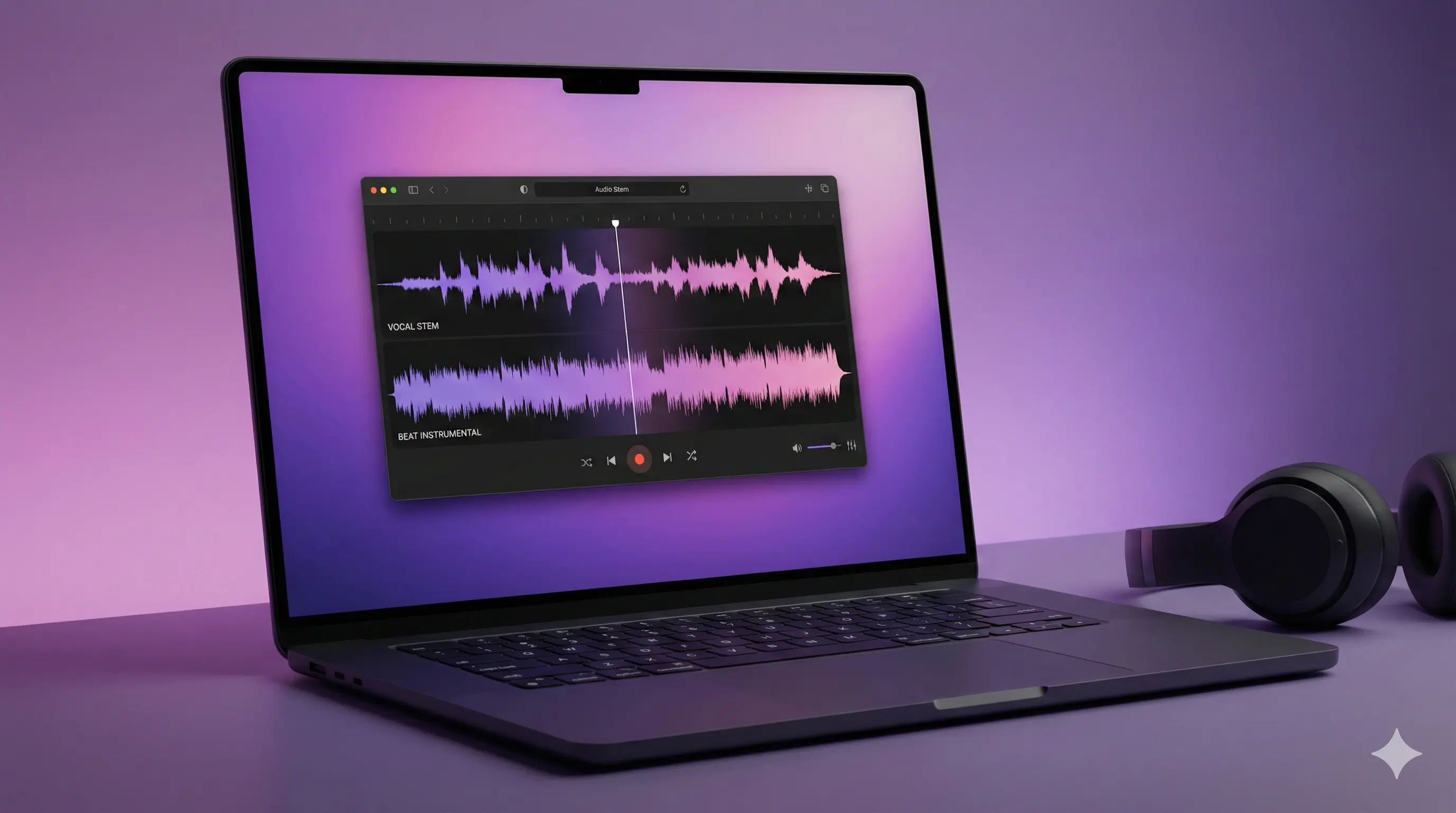
Separating Vocals from Music with AI
Music Voice Separator is a web application that uses deep learning to isolate vocals from instrumental tracks in any song. Built with Python and Meta's state-of-the-art Demucs model, it's deployed on Hugging Face Spaces for free public access.



Table of Contents
The Problem
Musicians, DJs, and content creators often need isolated vocal or instrumental tracks. Common scenarios include:
| Need | Traditional Solution | Problem |
|---|---|---|
| Create karaoke version | Buy expensive software | Cost prohibitive |
| Extract vocal sample | Audio engineering skills | Technical barrier |
| Remove vocals for background music | Hire professional | Time and money |
| Study individual instruments | Find official stems | Often unavailable |
Professional tools like iZotope RX can cost hundreds of dollars and require expertise to use effectively. I wanted to make this capability accessible to everyone.
The Solution
Meta's AI Research team released Demucs, a hybrid deep learning model that achieves state-of-the-art results in music source separation. I built a simple web interface around this powerful model.
The result: anyone can upload a song and download separated tracks without technical knowledge, expensive software, or even creating an account.
How It Works
The separation process is straightforward:
| Step | What Happens |
|---|---|
| 1. Upload | User drops an audio file (MP3, WAV, FLAC, M4A, OGG) |
| 2. Load | Audio is converted to the format Demucs expects |
| 3. Process | Neural network analyzes and separates the audio |
| 4. Output | Model generates isolated vocal and instrumental stems |
| 5. Download | User saves the separated tracks |
Under the Hood
Demucs uses a hybrid architecture combining:
- Convolutional U-Net — Captures local audio patterns and textures
- Transformer layers — Models long-range dependencies in the music
- Time-domain processing — Works directly on waveforms for better quality
The model was trained on a large dataset of songs with known stems, learning to recognize and separate different sound sources.
Tech Stack
| Technology | Purpose |
|---|---|
| Python 3.10 | Core application logic |
| PyTorch 2.1 | Deep learning framework |
| torchaudio 2.1 | Audio loading and processing |
| Demucs 4.0 | Meta's source separation model |
| Gradio 4.12 | Interactive web interface |
| Hugging Face Spaces | Free cloud hosting with GPU |
Why These Choices?
Gradio makes it incredibly easy to create web interfaces for ML models. With just a few lines of code, you get:
- Drag-and-drop file upload
- Progress indicators
- Audio playback widgets
- Download buttons
Hugging Face Spaces provides free hosting with GPU access — essential for running deep learning models at reasonable speeds.
Use Cases
| User | Application |
|---|---|
| Musicians | Extract vocals to learn lyrics, create cover versions, or practice along |
| DJs | Isolate instrumentals for live remixing and mashups |
| Content Creators | Remove vocals to use tracks as background music in videos |
| Karaoke Enthusiasts | Create karaoke versions of any song |
| Producers | Study arrangement and mixing of individual elements |
| Educators | Demonstrate musical concepts with isolated parts |
Supported Formats
The app accepts these audio formats:
| Format | Extension | Notes |
|---|---|---|
| MP3 | .mp3 | Most common, works great |
| WAV | .wav | Uncompressed, best quality |
| FLAC | .flac | Lossless compression |
| M4A | .m4a | Apple/iTunes format |
| OGG | .ogg | Open source format |
Output is provided as WAV files for maximum quality.
Limitations
Being transparent about what the tool can and cannot do:
| Limitation | Explanation |
|---|---|
| Processing time | Depends on song length; longer songs take more time |
| Imperfect separation | AI isn't perfect — some bleed between tracks is normal |
| GPU memory | Very long files may hit memory limits on free tier |
| Stereo output | Mono sources may have reduced quality |
For professional production work, dedicated software with manual cleanup is still recommended. This tool is best for quick extractions and creative experimentation.
Try It Yourself
The app is live and free on Hugging Face Spaces:
Launch Music Voice Separator →
No account required. Just upload and go.
What I Learned
Building this project reinforced several key lessons:
- Wrapper value — Making powerful AI accessible through simple interfaces creates real value
- Gradio efficiency — You can go from model to deployed web app in hours, not days
- Free tier limits — Hugging Face Spaces is generous but understanding constraints matters
- Audio processing — Working with audio in Python has excellent library support
Links
Credits
Built with Meta's Demucs model.
Hosted on Hugging Face Spaces.
Have a song you want to separate? Give it a try — it's free!